Product
One connected workflow, from search to sent.
Describe who you are looking for, build shortlists, find contact details, send from your own inbox, and measure it all, without stitching together a fragile tool stack.
01
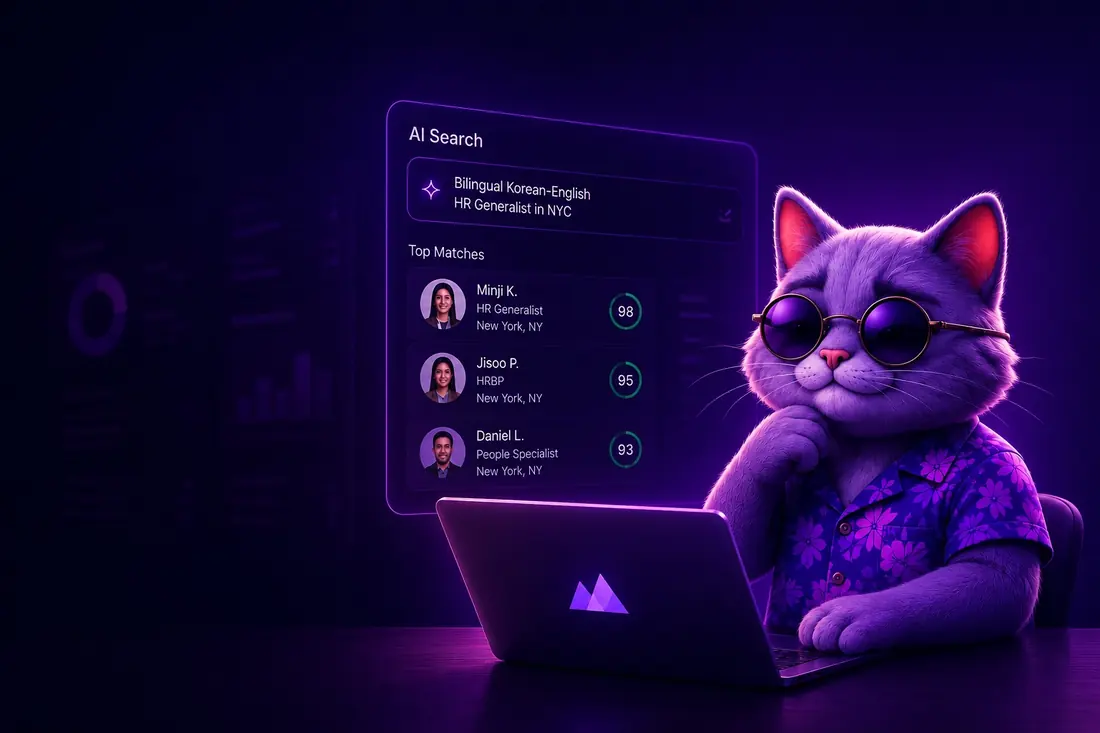
Search in your own words
Describe the hire in plain language and preserve the role intent, filters, exclusions, and source context.
02
Candidate lists
Move selected profiles into operational lists with ownership, project, enrichment state, and next actions.
03
Contact enrichment
Estimate work email, phone, and verification costs before provider-backed enrichment runs.
04
Native outreach
Launch sequences from connected mailboxes with visible caps, send windows, stop rules, and reply state.
05
Credits and analytics
Connect searches, enrichments, sends, replies, and credit movement to the decisions recruiters need to make.
Why it matters
One workspace beats a stack of tools.
Most recruiting setups lose the thread between sourcing, enrichment, and outreach. Tahoe keeps the whole path in one place, so the work stays connected after the first result page.
Context is never lost
The role brief, filters, exclusions, and source notes travel with every candidate, from the first query all the way to the final send.
Spend stays visible
Searches and contact reveals draw from credits you can see before you commit, so the month never ends with a surprise invoice.
Nothing to stitch together
Sourcing, lists, enrichment, mailboxes, and analytics already speak the same language, so there is no integration to babysit.
Built to stay honest
The product shows its work.
Recruiting tools earn trust by being inspectable, not by hiding decisions behind automation. Tahoe keeps the things that matter in plain view.
Outreach goes from real, connected mailboxes, so candidates see a sender they already recognize.
Credits, caps, and pacing stay on screen, never buried three settings pages deep.
Source context and citations stay attached, so any shortlist decision is one you can explain.
Send windows, stop rules, and suppression state are visible before a campaign goes out, not after.
Measure everything
See what each step is actually doing.
Analytics connect every search, enrichment, send, and reply back to the credits they used and the outcomes they produced, so reporting points at real work.
Sourcing
Searches run, profiles previewed, shortlists built, and how often a query turns into a saved candidate.
Enrichment
Work email, personal email, and phone reveals, with the credit cost and result state attached to each one.
Outreach
Sends, opens, replies, bounces, and suppressions, tied back to the campaign and the mailbox they came from.
Spend
Every credit movement, mapped to the search, enrichment, or send that caused it, with nothing hidden.
Start today
Run your first search in two minutes.
Continue with Google or email, no credit card, and see your first shortlist before lunch.